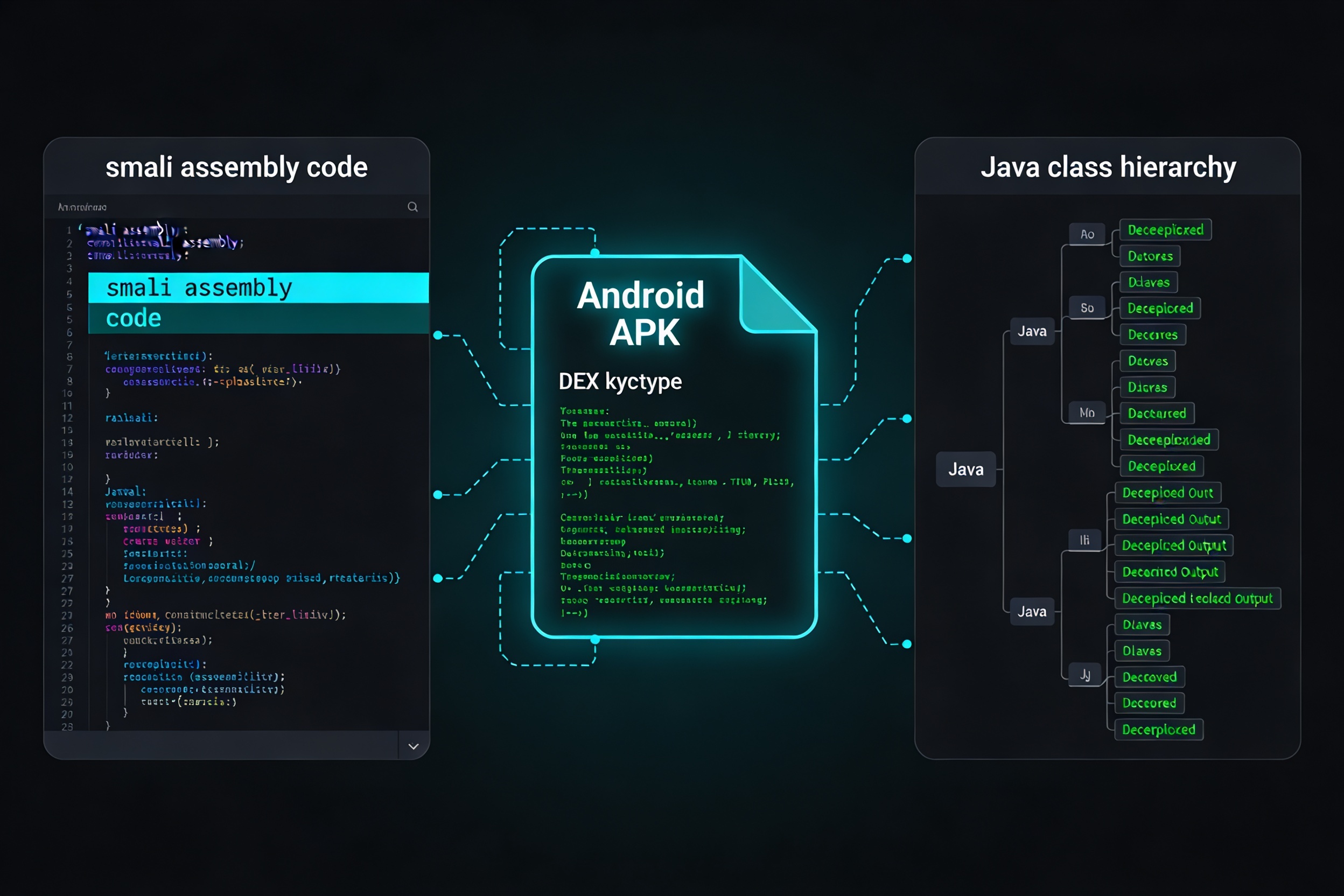
Jadx and Apktool are the two most important reverse engineering tools in the Android security toolkit. Jadx produces readable Java source from APKs; Apktool decodes to Smali and lets you repackage. This guide covers the complete reverse engineering workflow from first decompilation to patching.
Installing the Tools
Hunting for Hardcoded Secrets
The first thing every penetration tester does after decompilation is search for hardcoded credentials. API keys, private keys, and passwords committed to source code are extraordinarily common and rank in the OWASP Mobile Top 10:
Reading Smali: What You Need to Know
When Jadx can’t decompile obfuscated code cleanly, you need to read Smali directly. Key patterns to recognize:
| Smali | Java Equivalent | Notes |
|---|---|---|
invoke-virtual | instance method call | Most common |
invoke-static | static method call | Utils, helpers |
const-string | String literal | Look for secrets here |
iget/iput | field read/write | Instance fields |
if-eqz | if (x == 0) | Branch conditions |
Apktool: Decode, Modify, Repack
Bypassing Root Detection via Smali Patch
# Find the isRooted() method and replace its body:
.method public isRooted()Z
    .registers 2
    const/4 v0, 0x0    # return false (not rooted)
    return v0
.end method
Analyzing Native Libraries
# Quick string analysis of native library
strings decoded/lib/arm64-v8a/libnative.so | grep -E "api|key|secret|https"

# Check exported symbols
objdump -T decoded/lib/arm64-v8a/libnative.so | grep " g "

# Open in Ghidra for full decompilation
# File > Import File > decoded/lib/arm64-v8a/libnative.so
Jadx Tips for Obfuscated Code
- Enable deobfuscation in Preferences — Jadx renames single-letter identifiers based on usage context
- Find usages: right-click any class or method → Find Usages to trace data flow
- Rename variables: right-click any identifier → Rename, stored in the project file
- Export Gradle project: File → Save as Gradle project generates an Android Studio-compatible project
The complete reverse engineering workflow: jadx-gui for source review and secret hunting → Apktool when you need to patch behavior → Ghidra for native code. For hands-on practice against purpose-built vulnerable Android apps, explore Mobile Hacking Lab.