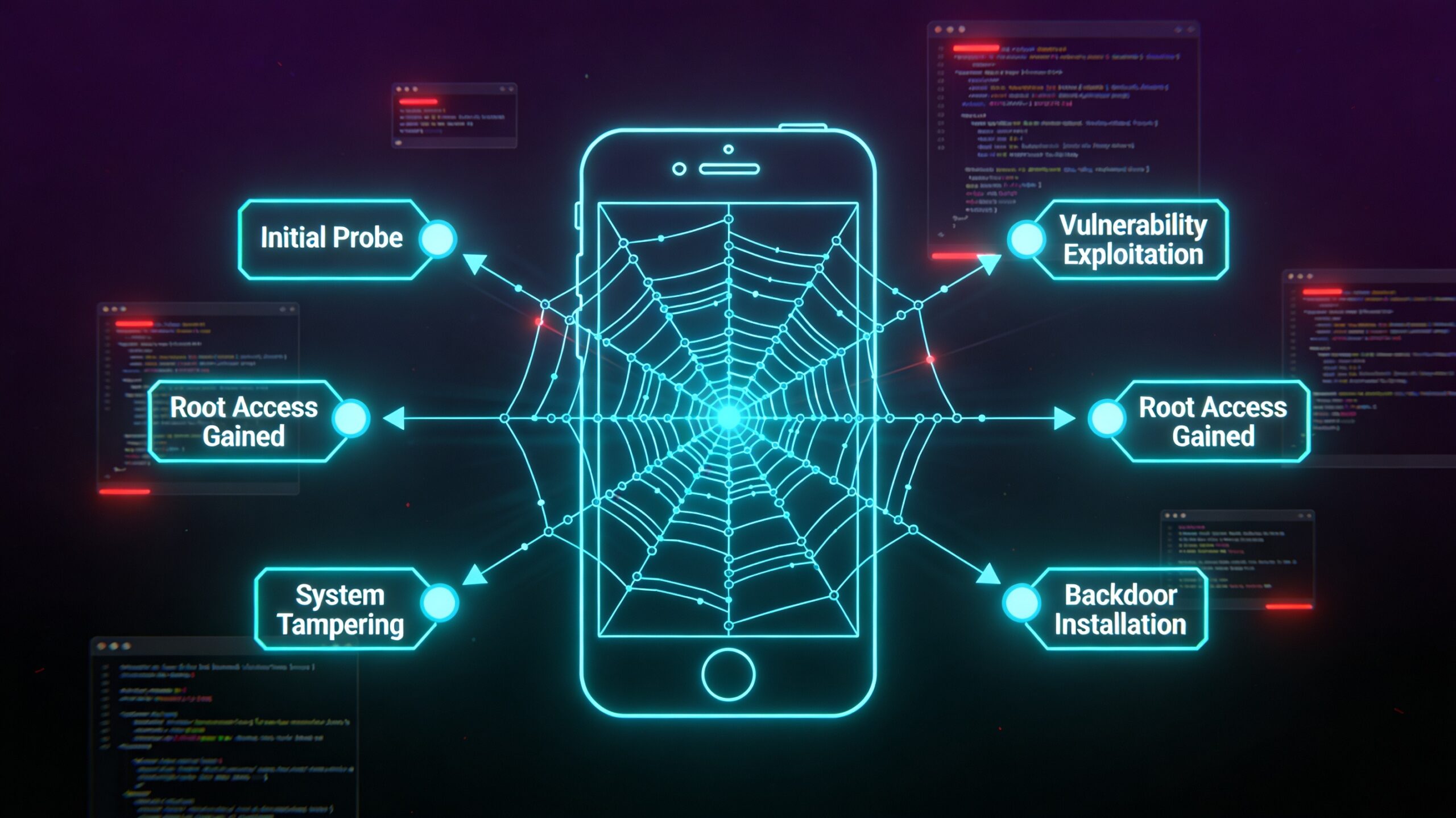
CVE-2026-0047: Missing Permission Check in ActivityManagerService Enables Local Privilege Escalation
How a single absent permission guard in Android’s core system service hands an unprivileged app full C/I/A access — no user interaction, no special privileges required. Android 16 QPR2 affected.
TL;DR
| CVE | CVE-2026-0047 |
| Severity | Critical (Android Bulletin) / CVSS 8.4 High |
| Component | Android Framework — ActivityManagerService.java |
| Vulnerable Function | dumpBitmapsProto() |
| Root Cause | Missing permission check (CWE-280) |
| Impact | Local EoP → full Confidentiality / Integrity / Availability compromise |
| Affected Versions | Android 16 QPR2 Beta 1, Beta 2, Beta 3 |
| Patched | March 2026 Android Security Bulletin (patch level 2026-03-01) |
| User Interaction | None required |
| Source | Android Security Bulletin — March 2026 |
What Is This Vulnerability?
CVE-2026-0047 is a local elevation-of-privilege (EoP) vulnerability in the Android Framework. Specifically, it exists in the dumpBitmapsProto() method of ActivityManagerService.java — a core system service responsible for managing the lifecycle of every app running on Android.
The root cause is deceptively simple: the function exposed a dump operation over Binder IPC without verifying that the calling application held the required permission to perform it. Any app installed on the device — even one with no declared special permissions — could call this function and receive sensitive system data. That data disclosure, combined with the trust model of the Android system, enables an attacker to escalate from a normal app to a much higher privilege level.
The CVSS vector tells the story clearly:
CVSS:3.1/AV:L/AC:L/PR:N/UI:N/S:U/C:H/I:H/A:H- AV:L — Local attack vector (attacker has code execution on the device)
- AC:L — Low attack complexity (no special conditions required)
- PR:N — No prior privileges needed (any installed app)
- UI:N — No user interaction required (fully silent)
- C:H / I:H / A:H — Complete compromise of Confidentiality, Integrity, and Availability
Background: ActivityManagerService and Why It Matters
The ActivityManagerService (AMS) is one of the most privileged system services in Android. It runs inside the system_server process and is responsible for:
If you’re new to how Android manages inter-process communication and exported components, the article on Android Intent Security: Exploiting Exported Components and Deep Links is required background before going deeper into system service vulnerabilities.
- Activity lifecycle management — Starting, pausing, resuming, and stopping activities across all apps
- Process management — Assigning OOM scores, killing processes under memory pressure
- Task and back-stack control — Managing the UI task stack seen by the user
- Debugging and dumping — Providing
dumpsys activityoutput for diagnostics
Because AMS sits at the intersection of every running application and the system kernel, any vulnerability here has outsized impact. A successful exploit against AMS can yield capabilities normally reserved for platform-signed applications or system services.
The dump* Family of Methods
Android exposes a family of dump*() methods on its system services for diagnostic purposes. These are used by adb shell dumpsys and similar tools. They are meant to be called only by authorized diagnostics tools — tools that must hold the android.permission.DUMP permission.
This permission is classified as a signature-level permission in AOSP, meaning only apps signed with the platform certificate or pre-installed system apps should be able to hold it. In production, developer tools like ADB hold it because ADB itself runs with elevated privileges.
The problem with CVE-2026-0047 is that dumpBitmapsProto() skipped this check.
The Vulnerable Function: dumpBitmapsProto
The dumpBitmapsProto() function serializes information about bitmaps associated with running processes into a Protocol Buffer (protobuf) byte array. This includes window screenshots, UI surface data, and process-level bitmap memory statistics — data that applications should never be able to obtain about each other.
In normal Android operation, this output is used by:
- The Android bug reporter for system diagnostics
- Developer tools for profiling UI memory usage
- Internal Google diagnostics infrastructure
The method is callable over Binder, Android’s inter-process communication framework. Any app on the device can reach it by resolving the AMS Binder reference and invoking the method — unless a permission check stops them.
Vulnerable Pattern (Simplified)
// ActivityManagerService.java — BEFORE the patch
@Override
public byte[] dumpBitmapsProto(String processName, int userId) {
    // No checkCallingOrSelfPermission() here.
    // Any caller can reach dumpBitmapsProtoLocked() directly.
    synchronized (mGlobalLock) {
        return dumpBitmapsProtoLocked(processName, userId);
    }
}
Without a permission check, the Binder dispatch layer accepts the call from any process and routes it straight to the implementation. The caller receives the full protobuf payload containing bitmap state for the specified process.
AOSP Patch Analysis
The fix Google applied in the March 2026 bulletin follows the standard pattern for this class of vulnerability: add an enforceCallingOrSelfPermission call as the very first operation in the method body, before any lock acquisition or data access.
Patched Pattern (Simplified)
// ActivityManagerService.java — AFTER the patch
@Override
public byte[] dumpBitmapsProto(String processName, int userId) {
    // Gate added by the patch.
    enforceCallingOrSelfPermission(
        android.Manifest.permission.DUMP,
        "ActivityManagerService: dumpBitmapsProto"
    );
    synchronized (mGlobalLock) {
        return dumpBitmapsProtoLocked(processName, userId);
    }
}
The enforceCallingOrSelfPermission() call checks whether the calling process (or the AMS process itself, in the case of an internal call) holds the android.permission.DUMP permission. If the check fails, it throws a SecurityException with the supplied error message, and execution never reaches the sensitive data accessor.
This is the correct fix for this vulnerability class. Note that Google uses enforce rather than check:
checkCallingOrSelfPermission()returnsPackageManager.PERMISSION_GRANTEDorPERMISSION_DENIEDas an integer. The caller must handle the result explicitly. If the developer forgets to handle a denial, the call proceeds anyway.enforceCallingOrSelfPermission()throws immediately on denial. There is no way to accidentally proceed — the exception propagates up through the Binder dispatch layer and the call fails hard.
Binder Call Flow — Before and After Patch
→
Binder IPC
→
AMS: No Permission Check
→
Bitmap Data Leaked
→
Binder IPC
→
enforceCallingOrSelfPermission(DUMP)
→
SecurityException (if unprivileged)
The patch inserts a permission gate that throws before any sensitive data is accessed.
How Missing Permission Checks Enable Privilege Escalation
It may seem counterintuitive that an information disclosure vulnerability carries a CVSS score with C:H/I:H/A:H. Here is why the impact reaches beyond disclosure:
Step 1 — Data harvest. The dumpBitmapsProto output can include rendered surfaces from system apps. On Android, certain system apps (Settings, Contacts, Accounts) hold security tokens, OAuth credentials, and authentication state in their UI layer. An attacker who can extract bitmap-level data from these processes gets a literal screenshot of their current state.
Step 2 — Token extraction. Rendered UI surfaces that display authentication tokens, QR codes, or security keys can be captured pixel-perfect via bitmap dumps. This turns an information-disclosure primitive into a credential-harvesting mechanism.
Step 3 — Privilege escalation chain. Stolen credentials from a system app can be replayed to authenticate as that app, escalating the attacker’s effective privilege to whatever that system app is permitted to do — which on Android 16 QPR2 may include access to the Android Keystore, contact databases, or even device management APIs.
This chain is why the vulnerability is classified as EoP rather than just ID, and why the integrity and availability impacts are rated High even though the immediate mechanism is data read.
Impact and Affected Versions
| Android Version | Patch Level Needed | Affected? |
|---|---|---|
| Android 14 | — | Not affected |
| Android 15 | — | Not affected |
| Android 16 | — | Not affected (stable) |
| Android 16 QPR2 Beta 1 | 2026-03-01 or later | Affected |
| Android 16 QPR2 Beta 2 | 2026-03-01 or later | Affected |
| Android 16 QPR2 Beta 3 | 2026-03-01 or later | Affected |
The impact is limited to developers and security researchers running Android 16 QPR2 beta builds — these are pre-release versions distributed through the Android Beta Program. Consumer devices on Android 14, 15, or the stable Android 16 release are not affected by this specific CVE.
Detection and Mitigation
Check Your Security Patch Level
Verify your patch level using ADB or the device Settings menu. You need patch level 2026-03-01 or later to be protected.
2026-03-01
# Verify the Android version
$ adb shell getprop ro.build.version.release
16
$ adb shell getprop ro.build.flavor
sdk_gphone64_x86_64-userdebug
Developer Guidance
If you are building Android Platform-level code and expose Binder methods from system services, always apply these rules:
- Use
enforceCallingOrSelfPermission()rather thancheckCallingOrSelfPermission()for any method that accesses privileged data. The enforce variant throws; the check variant only returns an integer. - Place the permission check as the very first line of the method body, before acquiring locks, before accessing any data, and before logging. Fail-fast means no partial state changes if the check fails.
- Annotate with
@RequiresPermissionso lint and static analysis tools catch missing checks during code review. - Test with a permission-denied caller in your unit tests. The standard Android test pattern is to mock a caller that lacks the permission and verify a
SecurityExceptionis thrown.
$ adb shell am dump-bitmaps-proto com.target.app 0 2>&1
[-] SecurityException: ActivityManagerService: dumpBitmapsProto
# From a root shell (which holds DUMP permission) it should succeed
$ adb shell su -c ‘am dump-bitmaps-proto com.target.app 0’ | xxd | head
[+] 00000000: 0a25 0a12 636f 6d2e 7461 7267 6574 2e61 .%..com.target.a
Lessons for Security Researchers
1. The dump* Family Is a Rich Attack Surface
Android system services expose dozens of dump*() and proto*() methods for diagnostic purposes. Each one is a potential permission check miss. When auditing system service code, search for every Binder-exposed method that returns protobuf output and verify it calls enforceCallingOrSelfPermission(DUMP).
2. CWE-280 Is More Common Than You Think
The CWE-280 (Improper Handling of Insufficient Permissions) class appears frequently in Android security bulletins. The pattern is always the same: a function intended for privileged callers is reachable by unprivileged code because the permission check was omitted, commented out, or placed incorrectly. Looking for this pattern in AOSP source is a productive research strategy.
3. Android QPR Betas Are High-Value Research Targets
Quarterly Platform Release (QPR) betas introduce new APIs and code paths that haven’t been through the same review cycle as stable releases. CVE-2026-0047 existed specifically in the QPR2 beta branch. If you are a mobile security researcher, running your audit tools against QPR beta builds can surface bugs before they reach stable — and before anyone else finds them. Dynamic analysis with tools like Frida is especially useful here; see our in-depth guide on Frida Advanced Techniques: Runtime Hooking and Anti-Detection Bypass for hooking AMS methods at runtime.
4. CVSS Is Telling You the Exploit Path
When you see PR:N/UI:N/AV:L on a Framework EoP, the exploit path is almost always: install a zero-permission app → call the vulnerable Binder method → exfiltrate data → chain into further escalation. The CVSS vector is your initial threat model.
Discovered By
No external researcher credit is listed for CVE-2026-0047 in the March 2026 Android Security Bulletin. The fix was authored and applied by Google’s Android Platform Security team as part of routine security review of the Android 16 QPR2 beta branch.
Want to find vulnerabilities like this yourself? Mobile Hacking Lab teaches you to audit Android system services, analyze AOSP patches, and build working exploits step by step:
- Free Android Security Labs — Hands-on labs covering real Android vulnerabilities. No setup required, start in minutes.
- Android Application Security Course — Covers Binder IPC, permission model, system service architecture, and how to exploit misconfigurations like CVE-2026-0047.
- Android Userland Fuzzing and Exploitation — Our advanced course. Learn to fuzz system services, triage crashes, and chain local primitives into full privilege escalation.
Also: automate your Android security assessments with Djini.ai — AI-powered mobile security testing that catches missing permission checks automatically.
References
- Android Security Bulletin — March 2026
- CVE-2026-0047 — National Vulnerability Database
- CWE-280: Improper Handling of Insufficient Permissions or Privileges
- Android Developer Reference: ActivityManager
- AOSP: ActivityManagerService.java source
Ready to audit Android system services yourself? Mobile Hacking Lab provides hands-on labs covering the exact vulnerability patterns that appear in Android Security Bulletins every month. Start with the free labs, then advance to Android Userland Fuzzing & Exploitation to learn how to discover and weaponize bugs like CVE-2026-0047.