iOS Security Testing: A Getting Started Guide for Android Researchers
The key differences between iOS and Android security testing, the tools that actually work, and how to get set up for iOS vulnerability research in 2026.
Most mobile security researchers start with Android. The tooling is more accessible (no jailbreak required for many analyses), the ecosystem is more open, and the documentation is better.
But iOS represents half the mobile market — and often the more valuable half for enterprise targets. Security researchers who can work across both platforms command significantly higher rates and find more interesting vulnerability classes.
This guide is written for Android security researchers making the transition to iOS testing. We focus on the differences that matter and skip the basics you already know.
iOS vs Android: The Key Security Differences
| Aspect | Android | iOS |
|---|---|---|
| App distribution | APKs, sideloading easy | IPAs, requires jailbreak or enterprise cert for sideloading |
| Code analysis | Decompile to Java with JADX | Reverse Objective-C/Swift Mach-O binaries with Ghidra/IDA |
| Root/Jailbreak | Root via Magisk, common on test devices | Jailbreak required (checkra1n, palera1n, Dopamine) — more complex |
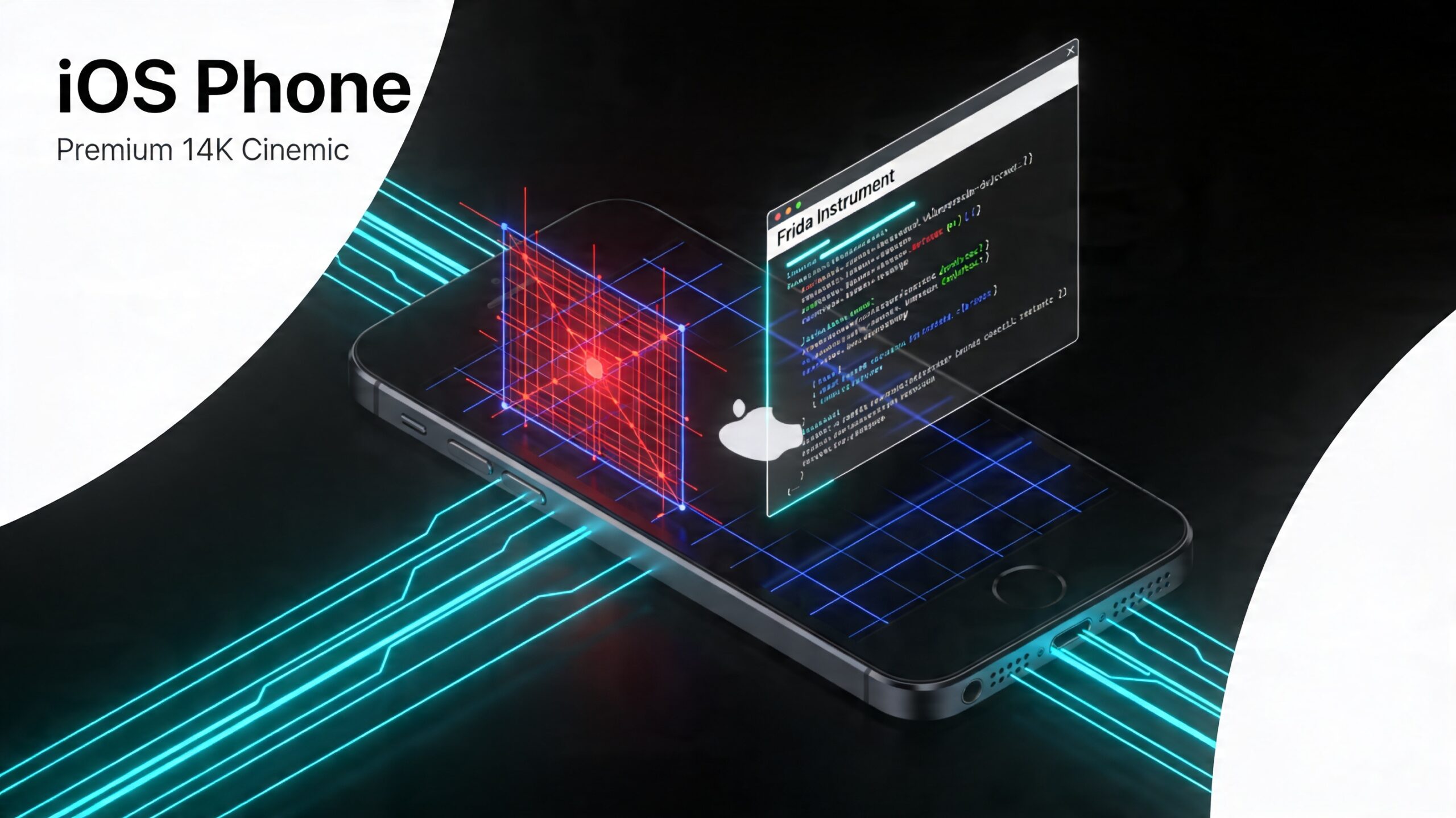
| Dynamic instrumentation | Frida works without root in many cases | Frida requires jailbreak or re-signed IPA with FridaGadget injected |
| Inter-process communication | Intents, Binder, Content Providers | URL schemes, Universal Links, XPC |
| Data storage | SQLite, SharedPreferences, files | Keychain, NSUserDefaults, SQLite, plists, Core Data |
| Network security | Network Security Config, cert pinning | ATS (App Transport Security), TrustKit, cert pinning |
Setting Up for iOS Security Testing
Option 1: Jailbroken physical device (recommended for deep testing)
A jailbroken iPhone gives you the most capability. The best approach in 2026:
- Use a device with an A11 or older chip (iPhone X or earlier) for checkra1n jailbreak — hardware-based, most stable
- For A12+ devices: palera1n on iOS 15–17, or Dopamine for semi-untether
- After jailbreak: install Cydia or Sileo, then install Frida, SSH, and file manager
# After jailbreak, install Frida via Cydia/Sileo
# Then test the connection:
frida-ps -U
# Should list running iOS processes
Option 2: Corellium (cloud-based iOS virtualization)
Corellium provides virtualized iOS devices in the cloud — no physical device required. You get root access and Frida pre-installed. Expensive for individual researchers, but worth it for professional engagements or extended research periods. Mobile Hacking Lab uses Corellium infrastructure for its iOS labs.
Option 3: Re-signed IPA with FridaGadget (no jailbreak)
For apps you have the IPA for (your own apps, enterprise apps, or IPAs extracted from a jailbroken device): inject FridaGadget into the binary, re-sign with your own developer certificate, and install via AltStore or sideloading.
# Inject Frida gadget with objection
objection patchipa --source target.ipa
# Creates a patched IPA with Frida gadget
# Sign with your Apple dev certificate and install
The iOS Security Testing Toolkit
Frida
Same tool, different setup. On iOS, Frida hooks Objective-C method calls using ObjC.classes and Swift symbols. SSL pinning bypass scripts for iOS use different APIs than Android:
// iOS SSL pinning bypass with Frida
if (ObjC.available) {
    var NSURLSession = ObjC.classes.NSURLSession;
    // Hook URLSession delegate methods
    // See frida-ios-dump and SSL Kill Switch 2 for production scripts
}
objection
Works on iOS too. Key commands differ from Android:
objection -g "TargetApp" explore
# iOS-specific commands:
ios sslpinning disable
ios keychain dump
ios nsuserdefaults get
ios info list_entitlements
ios ui screenshot
Ghidra / IDA Pro for iOS binaries
iOS apps compile to Mach-O binaries (not DEX). You need a disassembler that handles Objective-C and Swift. Ghidra handles Mach-O well with the iOS processor module. IDA Pro with ObjC decompiler plugin gives better results for Objective-C-heavy apps.
Key difference from Android: iOS binaries are typically compiled for arm64 only (no x86 emulator path), and Objective-C metadata is preserved in the binary, making class and method names readable even without source.
ipainstaller / AltStore / Sideloadly
For installing IPAs on non-jailbroken devices during assessment. AltStore uses your Apple ID to sign and install apps. Sideloadly does the same with a GUI. Both are limited to 3 non-developer-certificate apps at a time.
Burp Suite (same as Android)
Traffic interception setup is identical to Android: configure device Wi-Fi proxy, install Burp CA certificate. On iOS 15+, certificate installation requires going to Settings → General → VPN & Device Management → trust the certificate, then Settings → General → About → Certificate Trust Settings → enable full trust.
iOS-Specific Vulnerability Classes
Keychain misuse
The iOS Keychain is the secure storage mechanism for credentials and sensitive data. Misconfigurations are common:
- Accessibility too broad: Items stored with
kSecAttrAccessibleAlwaysorkSecAttrAccessibleWhenUnlockedcan be extracted from an unlocked device even with no device authentication - Backup-included keychain items: Items stored without
kSecAttrAccessibleWhenPasscodeSetThisDeviceOnlycan appear in iTunes/iCloud backups - Keychain item extraction: On jailbroken devices, all keychain items are accessible regardless of access control attributes
// Extract keychain items with objection
ios keychain dump
// Or via Frida script targeting SecItemCopyMatching
URL scheme and Universal Link vulnerabilities
iOS apps communicate via URL schemes (myapp://action?param=value) and Universal Links (https://example.com/path). These are IPC mechanisms equivalent to Android intents. Vulnerabilities include:
- Unvalidated parameters in URL scheme handlers leading to XSS or navigation hijacking
- Universal Link misconfiguration allowing link hijacking by malicious apps
- Deep link parameter injection into web views
NSUserDefaults and plist data exposure
NSUserDefaults stores to an unencrypted plist file in the app’s container. On jailbroken devices (or in iTunes backups), this is fully readable:
# Read NSUserDefaults via objection
ios nsuserdefaults get
# Or inspect directly on jailbroken device:
cat /var/mobile/Containers/Data/Application/[UUID]/Library/Preferences/com.target.app.plist
WebView security
WKWebView (the modern iOS web view) has stricter defaults than Android’s WebView, but misconfiguration is still common:
- JavaScript bridge (
WKUserContentController) with insufficient input validation - Loading
file://URLs from user-controlled paths (local file inclusion) - Mixed content loading in apps that disable ATS for specific domains
The Learning Path for iOS Security
If you have Android security foundations, the iOS transition takes 2–4 weeks of focused practice:
- Set up a test environment — Jailbroken device or Corellium
- Learn iOS internals — App sandbox, Mach-O format, Objective-C runtime, Swift reflection
- Mirror your Android practice apps on iOS — DVIA-v2 (Damn Vulnerable iOS App) is the iOS equivalent of DVIA Android
- Mobile Hacking Lab iOS content — MHL’s iOS security labs provide structured hands-on practice with the same quality as their Android content
Learn iOS & Android Security Together
Mobile Hacking Lab’s iOS & Android Hacking Course covers both platforms in one structured program — free for beginners.