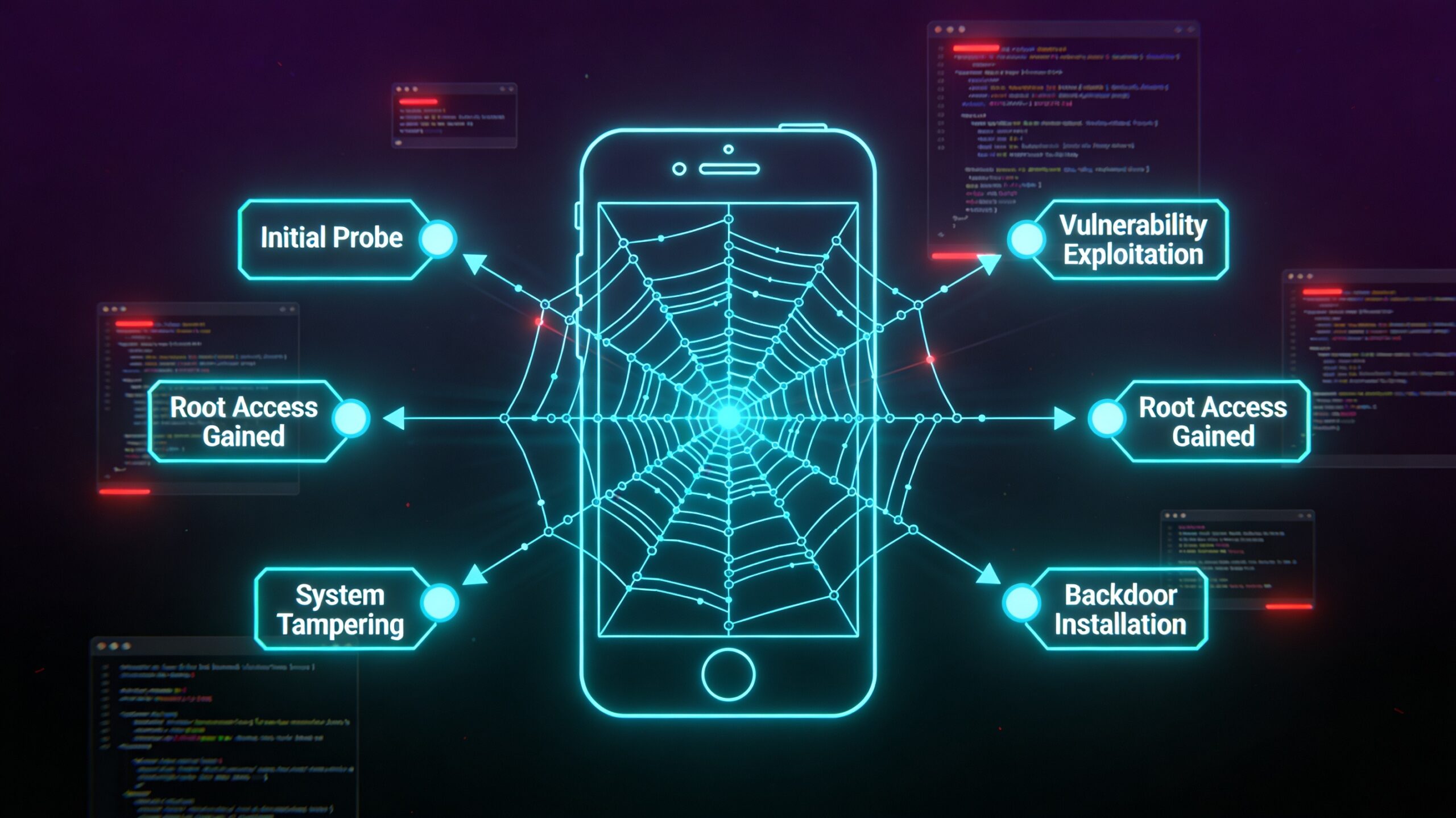
A structured methodology separates professional mobile security assessors from script runners. This checklist covers everything from environment setup through reporting — organized by the OWASP Mobile Top 10 and adapted for real-world engagements in 2026. Use it as a living document during assessments.
Phase 1: Environment Setup
Before touching the target app, your testing environment needs to be consistent and reproducible. Use a dedicated test device (not your daily driver), keep the OS version close to the target user base, and document your setup for the report.
Tools to have ready: jadx, apktool, MobSF (automated), Frida, objection, Burp Suite Pro, ADB, drozer, apkleaks, semgrep mobile rules.
Phase 2: Static Analysis
Static analysis works on the APK without running it — decompile, read, grep. It catches hardcoded secrets, insecure configurations, exported components, and cleartext HTTP endpoints before you write a single exploit.
Static checklist:
- AndroidManifest: debuggable, backup allowed, exported components, permissions
- Hardcoded secrets: API keys, passwords, private keys, OAuth client secrets
- Cleartext HTTP URLs (any
http://in production code) - Network Security Config: cleartext traffic allowed, certificate pinning config
- Third-party SDKs: known-vulnerable versions (ads SDKs, analytics, crash reporters)
- Code obfuscation: ProGuard / R8 applied? (absence is not a vulnerability, but note it)
Phase 3: Dynamic Analysis
Dynamic analysis runs the app and observes its behavior — network traffic, file system writes, IPC calls, memory contents. SSL pinning bypass is the critical prerequisite for most dynamic testing.
Dynamic checklist:
- Bypass SSL pinning (objection, Frida scripts, Network Security Config patch)
- All network traffic through Burp: check for missing HTTPS, weak TLS versions, sensitive data in URLs
- Authentication flows: token storage, refresh token handling, logout behavior
- Local storage: SQLite (unencrypted?), SharedPreferences (cleartext?), files world-readable?
- Clipboard leakage: does the app write passwords/tokens to clipboard?
- Screenshot prevention: is FLAG_SECURE set on sensitive screens?
- Keyboard caching: does sensitive input show in autocomplete suggestions?
Phase 4: Business Logic Testing
Business logic flaws are the hardest to find with automated tools and the most valuable to report. They require understanding what the app is supposed to do and then systematically testing what happens when you deviate.
- IDOR: modify resource IDs in API calls (user IDs, account numbers, file references)
- Privilege escalation: access admin endpoints with user-level credentials
- Purchase/payment bypass: manipulate price, quantity, or coupon fields
- Rate limiting: brute-force protection on login, OTP, and password reset
- Token/session: replay, predict, or tamper with auth tokens
- File upload: upload executable files, path traversal via filename, zip bombs
Phase 5: Advanced Attack Surface
# Check for Firebase misconfigurations
curl -s "https://PROJECT_ID.firebaseio.com/.json" | python3 -m json.tool

# Test GraphQL endpoint for introspection (if API uses GraphQL)
curl -s -X POST https://api.target.com/graphql \
  -H "Content-Type: application/json" \
  -d '{"query":"{__schema{types{name}}}"}'

# Check for exposed debug/staging endpoints
ffuf -u https://api.target.com/FUZZ -w api-wordlist.txt
OWASP Mobile Top 10 Coverage Map
| OWASP Category | Key Checks | Tools |
|---|---|---|
| M1 Improper Credential Usage | Hardcoded creds, cleartext storage, weak passwords | jadx, grep, MobSF |
| M2 Inadequate Supply Chain Security | Outdated SDKs, suspicious libraries | apkleaks, Dependency-Check |
| M3 Insecure Authentication | Token storage, biometric bypass, session fixation | Frida, Burp, objection |
| M4 Insufficient Input/Output Validation | SQLi, XSS in WebView, path traversal | Burp, jadx, manual |
| M5 Insecure Communication | SSL bypass, certificate validation, TLS version | Burp, SSL Labs |
| M6 Inadequate Privacy Controls | PII logging, analytics data, clipboard leakage | Frida hooks, Logcat |
| M7 Insufficient Binary Protections | Debuggable, no obfuscation, root detection | apktool, jadx |
| M8 Security Misconfiguration | Exported components, backup=true, debug APIs | drozer, adb, MobSF |
| M9 Insecure Data Storage | SQLite, SharedPrefs, external storage, Keystore config | adb, Frida, manual |
| M10 Insufficient Cryptography | ECB mode, static IV, hardcoded keys, MD5/SHA1 | jadx, Frida crypto hooks |
A thorough mobile pentest takes 3-5 days for a medium-sized app. Don not rush static analysis — the most critical findings (hardcoded API keys, unprotected admin endpoints) often come from a careful 30-minute grep session. For hands-on practice with structured labs that mirror real engagement targets, Mobile Hacking Lab is the best platform for building this methodology from scratch.